How do I talk instead of type?
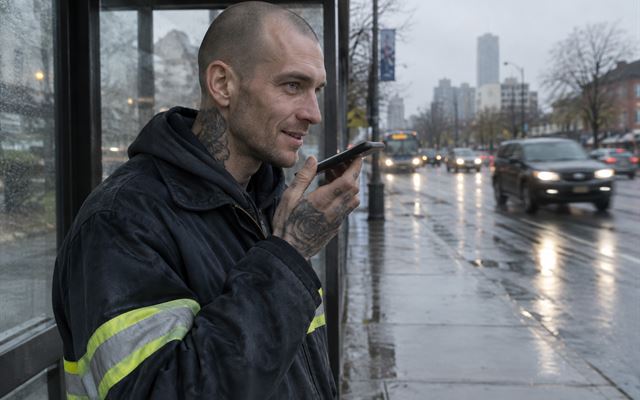
Tap the Talk button under the writing box, say your answer, and tap it again to stop. Your words appear in the box. If you do not see a Talk button, your browser does not offer it; use your keyboard instead.
On a phone you can also tap into any writing box. On your keyboard, tap the microphone. On iPhone it is at the bottom of the keyboard; on Android it is usually at the top right of the keyboard. Talk, then tap it again to stop. Your words appear in the box.
What if I do not remember?
Tap "I do not remember." That is a real answer, and the question is noted so you can come back to it. Tap "Ask it another way" for a different way in, or "Skip."
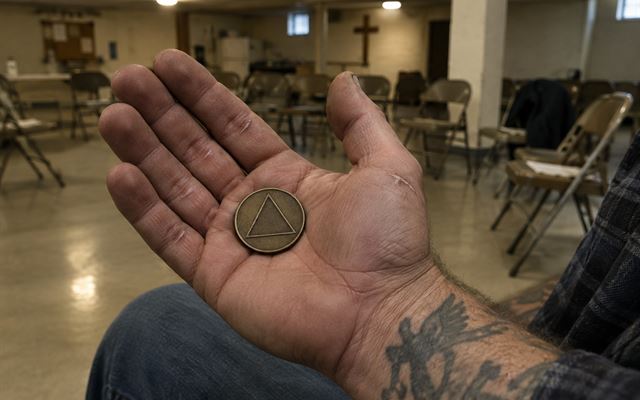
Do I have to give my recovery date?
No. It is optional. If you share it, the app celebrates every year with a chip. It is locked like your writing.
I relapsed. Do I lose anything?
No. Nothing you wrote is lost, and no chapter is taken away. If you have a new recovery date, add it. Your earlier years and your whole story stay. Many people say their relapse is part of what brought them back.
Do I have to go in order?
No. Start with any chapter. A few answers is a good day.
How does an answer become a chapter?
When you finish a chapter's questions, you see your answers in order. Tap "Make this my draft" and your answers become the chapter, word for word. Then change any word you like.
Does anyone write for me?
No. Sam asks questions. Every sentence is yours.
Can I get help editing?
Yes. Every draft has two buttons. Clean it up fixes spacing, filler words and capital letters on your phone, with no AI. Editor's pass is a professional-style edit and layout, made for that kind of writing: a chapter, a letter, a song, a script. It is part of Help me write, so it is off until you turn it on. You see every change and keep only the ones you want, and Put back my version brings back your own words, until you close the app.
I forgot my password.
On the log in screen, tap "Forgot password" and enter your recovery code. Lost the code too? Tap "I lost my code too," and a person from Operation Whole Health will help you back in.
Where is my recovery code?
It was shown once when you signed up. If you still have access, go to Account, then "Make a new recovery code." If you cannot log in, tap Forgot password, then "I lost my code too."
How do I get my book out of the app?
Open a project and tap "Download PDF." For the whole book, open My book and tap "Read my book," then "Download PDF."
How do I share?
Open a project, tap "Share," pass the privacy check, and choose a private link or a public page.
Can I add photos?
Yes. Go to Photos, or open a project and add one. Photos are locked like your writing. Check them for faces, names and addresses before sharing.
Does it save as I go?
Yes. Every answer saves when you tap "Save and next." Drafts and stories save as you type.
Can I use it on my phone and my computer?
Yes. Log in on any device with your email and password.
Something is not working.
Use Feedback, or email Recovery@OperationWholeHealth.org.